
SaaS Pricing: How to Build a Model That Works
By the end of this piece you should have a working framework for setting your SaaS pricing: a clear cost baseline, a packaging structure, and a way to check whether the price actually matches the value customers get. Before you start, get a few things ready: a rough unit economics picture of what it costs you to serve one customer, a list of your product's core features versus nice-to-haves, and a handful of real conversations with prospective or existing users about what they would actually pay.
Pricing a SaaS product is not a decision you make once in a spreadsheet and forget. It is a structure you build, test, and revise as the product matures. Founders who treat pricing as a late-stage marketing task usually end up retrofitting a model that fights against how the product was actually built. The decisions you make early about metering, tiers, and discounting shape your roadmap for years afterward.
Start with your cost base, not your competitors
Before you look at what other products in your category charge, work out what it costs you to serve one customer for one month. This includes cloud infrastructure, third-party API costs such as payment processing, AI model calls, or SMS and email delivery, support time, and a share of your development cost. Many founders skip this step and anchor directly on competitor pricing, which can quietly erode margins if their cost structure looks nothing like yours.
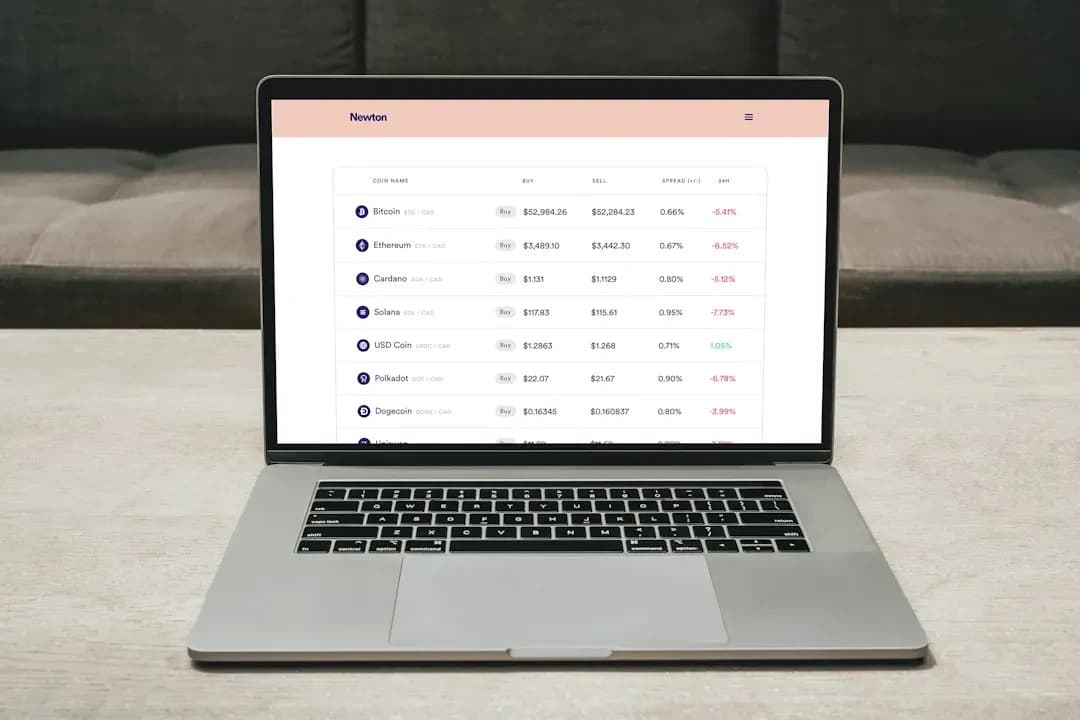 List every variable cost that scales with usage, such as storage, API calls, and compute, separately from fixed costs like your hosting base fee or your own salary allocation. Build a simple per-customer cost estimate at low, medium, and high usage levels, so you can see where margins get thin before a customer ever complains about price.
To check your numbers, pick your three most active and three least active users, or projected usage patterns if you have not launched yet, and run the cost model against both. If your cheapest plan does not cover the cost of your lightest real user, that plan is underpriced regardless of what the market suggests.
Choose a pricing metric that matches how value is delivered
The pricing metric is the unit you charge for: per seat, per usage volume, per project, or a flat fee. This choice matters more than the actual price points, because it determines whether your revenue grows naturally alongside your customer's growth or stays flat while their usage increases.
A per-seat model works well when the product's value scales with the number of people using it, like a project management tool. A usage-based model, charging per API call, per document processed, or per message sent, fits products where value scales with volume rather than headcount, which is common in AI-driven tools or infrastructure products. A flat fee suits products where usage is hard to meter cleanly, or where customers simply want cost predictability.
Map your product's core value action, meaning the thing a user does that creates the most value, and check whether it scales with seats, volume, or neither. Then ask three to five prospective customers how they would expect to be billed, without suggesting an answer first. If their intuitive expectation lines up with your chosen metric, you have picked correctly. If most expect a different unit, you have a packaging mismatch to resolve before launch.
How many pricing tiers should a SaaS product have
Most SaaS products work best with three tiers: an entry plan for individuals or very small teams, a mid-tier for growing teams that covers most buyers, and a top tier aimed at larger accounts with custom needs. Fewer than three tiers limits your upsell paths. More than four tends to confuse buyers and slow down the decision.
The middle tier is the one you should design around. It should be the plan most customers naturally land on, not the cheapest or the most expensive option on the page. If you notice most signups choosing your bottom tier, that is a signal your middle tier either lacks a clear reason to upgrade or is priced too close to the entry option.
For each tier, write down the one feature or limit that makes a customer need to upgrade, whether that is a usage cap, a missing integration, or a seat limit. Avoid tiers that differ only by price with no functional reason to pick one over another. After a few months of real usage data, check what share of upgrade requests cite the specific limit you designed for. If customers upgrade for a reason you did not anticipate, your tier boundaries need adjusting.
Decide what goes behind a paywall and what stays free
If you offer a free tier or free trial, the features you gate become part of your pricing strategy, not just your product strategy. Gate too little and free users never feel a reason to pay. Gate too much and prospects cannot experience enough value to trust the product before committing.
A trial period works well for products with a short time-to-value, where a customer can see results within days. A free tier with usage limits, rather than a time limit, tends to work better for products where value builds up gradually over weeks, since customers need ongoing access to form a habit around the tool.
Identify the single action in your product that produces the "aha" moment for a new user, and make sure that action is reachable within the free tier or trial without requiring payment first. Track how many free users actually reach that action before their trial ends or before hitting a free-tier limit. If most never get there, the problem usually sits in your onboarding rather than in your pricing.
Lock discounting and contract rules before your first enterprise deal
Once larger customers show interest, pressure to offer custom discounts arrives quickly, often from a single enthusiastic sales conversation that promises more than the product can sustain. Without rules set in advance, each deal becomes its own negotiation, and your price list stops meaning anything internally.
 Set a written policy before this happens: the maximum discount a sales conversation can offer without approval, the conditions under which annual prepayment earns a discount, and whether custom contracts are even on the table below a certain account size. This keeps your pricing from drifting into inconsistency across customers who later compare notes with each other.
Write a one-page internal pricing policy covering discount ceilings, annual-versus-monthly terms, and who has authority to approve exceptions. Review your last five sales conversations against it, or run a mock one if you are pre-revenue. If none of them would have required an exception, your policy is realistic. If most would, your tiers or default pricing are likely misaligned with what the market actually negotiates toward.
Test price changes with existing customers, not just new signups
Raising prices on new customers is low-risk. Raising prices on existing ones requires a different approach, because trust and switching cost are already in play. A common mistake is announcing a price increase with no transition plan, which pushes otherwise loyal customers to churn out of principle rather than any real cost concern.
Grandfather existing customers into their current price for a defined period, or introduce the new price alongside an added feature set so the change reads as an upgrade rather than a penalty. Communicate the change with enough lead time that customers can plan for it, typically a few weeks to a couple of months depending on your billing cycle.
Before any increase, segment your customer base by contract length and usage level, and decide which segments get grandfathered pricing and for how long. Afterward, track cancellation requests in the 30 days following the announcement against your historical baseline churn rate. A spike well above baseline tells you the transition plan needs revisiting, not necessarily the price itself.
The typical mistake: copying a competitor's price list
It is tempting to open a competitor's pricing page, match their tier names and price points, and call the pricing work done. The problem is that their cost structure, customer base, and feature set are not yours. A competitor operating at larger scale may have lower per-customer infrastructure costs, which lets them profitably charge less than you can actually afford to.
If you have already done this and margins feel thin, the recovery path is straightforward. Go back to your own cost-base calculation from the first step, compare it against your current price points, and adjust the tier that sits closest to breaking even first. Avoid changing all tiers at the same time, since that makes it hard to isolate which change actually fixed the margin problem.
Pricing decisions checklist
-
Cost base calculated separately for light, medium, and heavy usage customers.
-
Pricing metric matches how customers intuitively expect to be billed.
-
Three pricing tiers exist, each with a distinct functional upgrade reason.
-
Free tier or trial reaches the product's core value moment without payment.
-
Written discount policy exists before the first enterprise negotiation.
-
Price increase plan includes a grandfathering period and a clear communication timeline.
-
Margin health rechecked quarterly against actual usage data, not initial estimates.
Getting this structure right from the start saves you from rebuilding your billing logic and renegotiating with existing customers later, which is a far more disruptive process than setting it up carefully the first time. We work on exactly this kind of problem as part of our services, whether that means implementing tiered billing and metering logic inside a web application or wiring usage tracking into a product that is already live.
If your pricing questions are still at the stage of figuring out what is realistic for your product and market before you commit engineering time, it is worth starting that conversation early rather than building first and adjusting later. You can reach our team through our get a quote page to talk through where your product currently stands.